🚗 Account Deletion Request
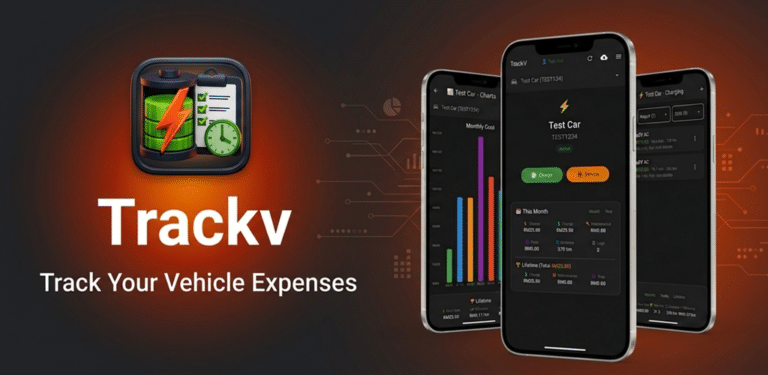
TrackV – Vehicle Tracking Made Simple
We’re sorry to see you go. If you wish to permanently delete your TrackV account and all associated data, please follow the instructions below.
📦 APP PACKAGE
com.bizbit.trackv
👤 DEVELOPER
Edward Koo
🗑️ What Happens When You Delete Your Account?
- All your vehicle data (cars, charging logs, service logs) will be permanently erased.
- Your cloud backups will be deleted from our servers.
- Your email address and profile information will be removed.
- This action cannot be undone.
📋 How to Request Deletion
STEP-BY-STEP INSTRUCTIONS
1. Send an email from your registered email address to the address below.
2. Use the subject line: “Account Deletion Request”
3. Include your user ID (if you know it) and email address in the message body.
4. We will process your request within 7 business days and send you a confirmation email.
✉️
ooknime@gmail.com
⚠️ Please ensure you send the request from the email address associated with your TrackV account. This helps us verify your identity and protect your data.
© 2026 Edward Koo · All rights reserved.
v2.0.1 · edwardkoo.com